Employee TimeOFF Requests
This page explains how an employee can submit a TimeOFF request and what happens next.
Send Request
In a production setup, the TimeOFF request form would be protected with OpenID Connect (OIDC) or Cloudflare Access, and the system would already know the user's details. For the trial environment, we wanted to make this simple, so you can simulate this process by entering an employee name and selecting two different dates.
This is all the user needs to do to start a TimeOFF request. It is that simple.
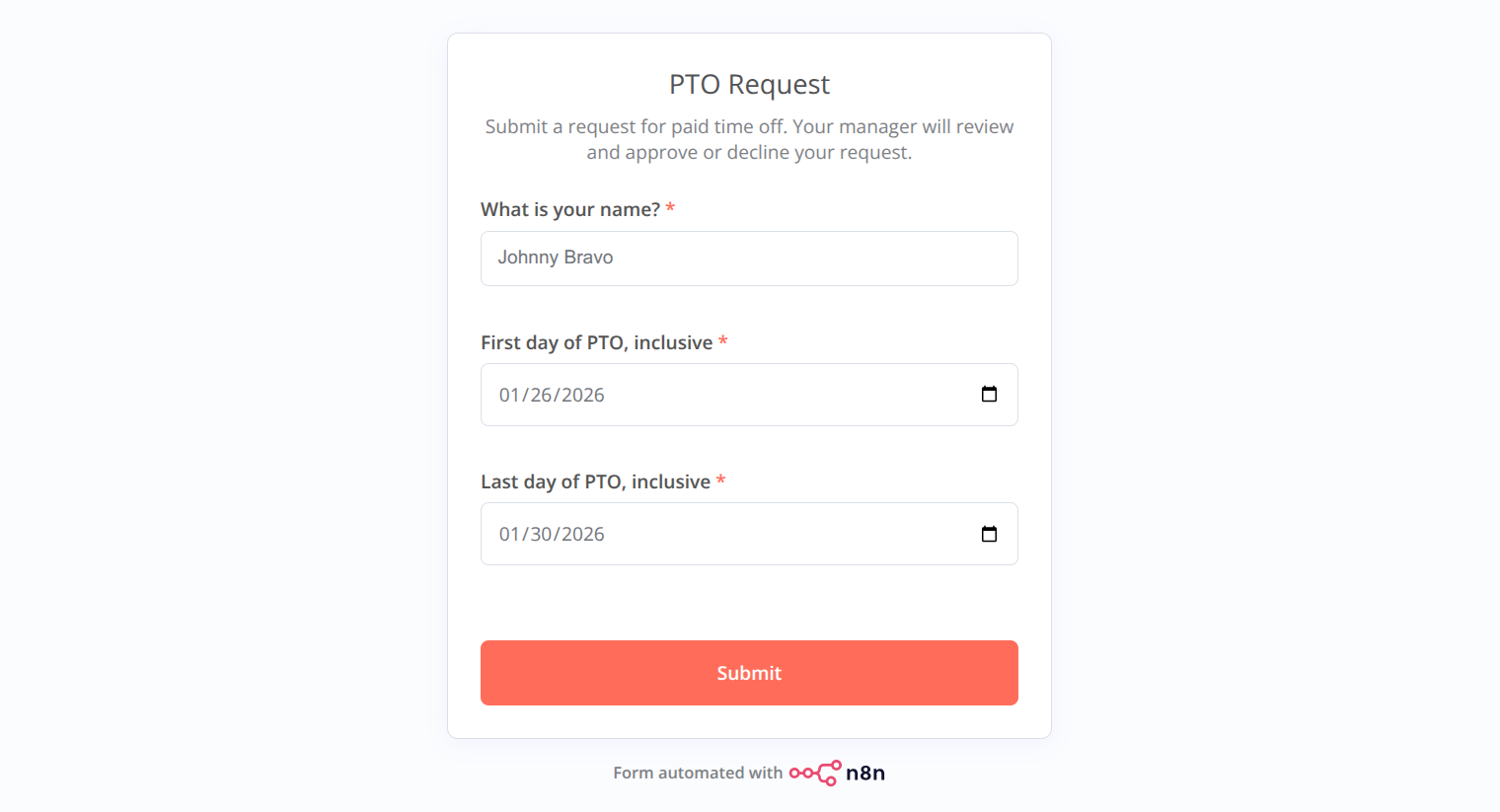
After confirming their choice with the submit button, the user is free to continue their daily work.
There are two possible outcomes for a TimeOFF request.
Request Approved
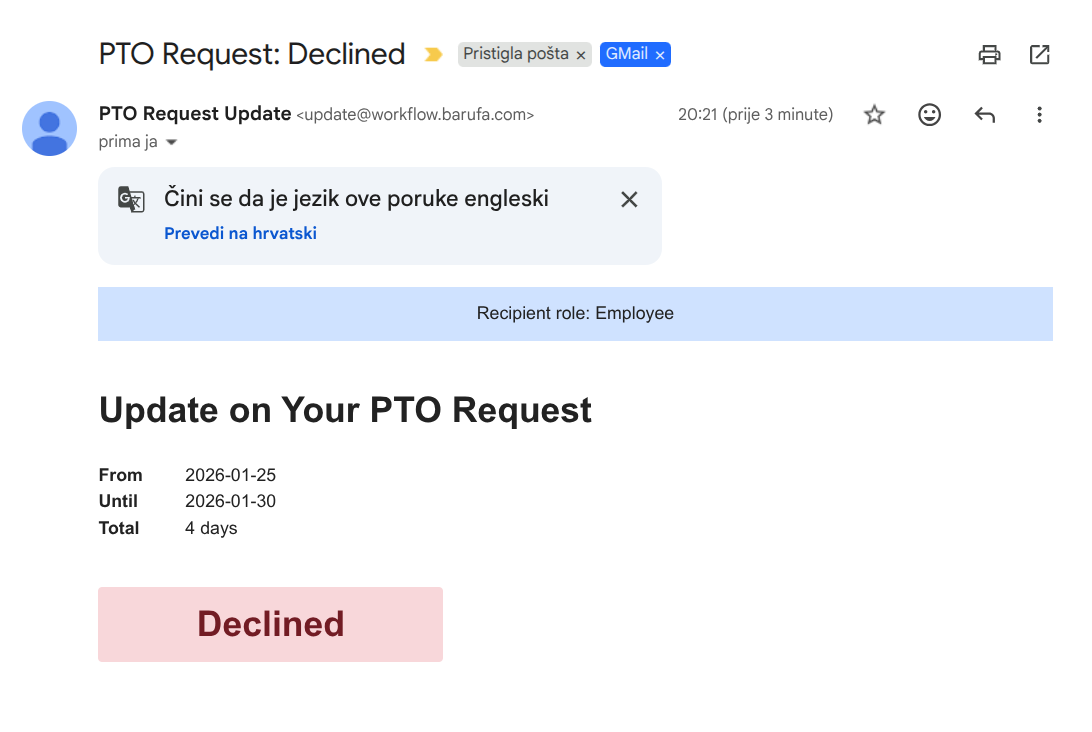
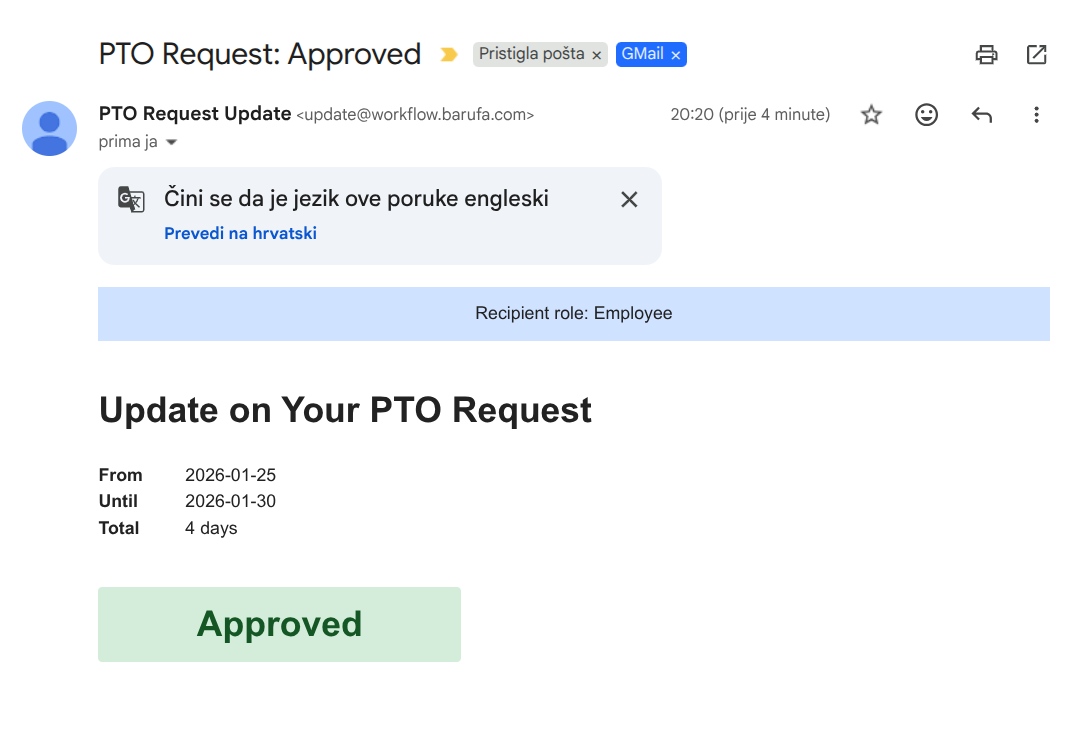
The request can be approved. In that case, the user will receive an update email saying their request is approved.
Request Rejected
The request can be declined. In that case, the user will receive an update email saying their request has been rejected.